How to Stop Bypassing Screen Time Apps Through Settings (Opal, Freedom, Clearspace)
If you've ever set up a screen time blocker like Opal, Freedom, or Clearspace, you've probably noticed you can just... turn it off.
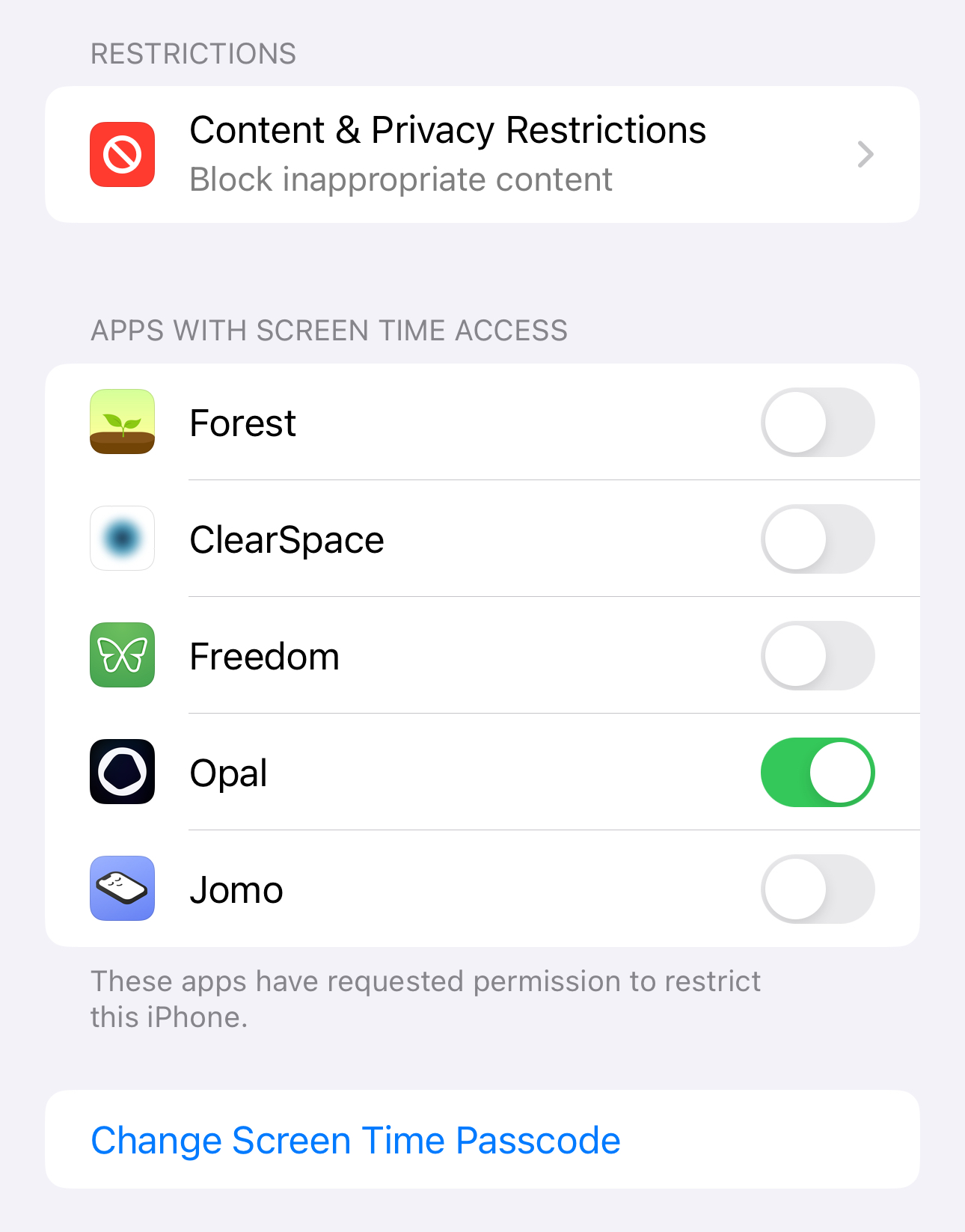
It takes five seconds to remove all the limits you set up. You just open Settings, go to Screen Time, and revoke the app's access.
Why this happens
All of these apps rely on Apple's Screen Time API to block apps and track usage. It's the only way third-party apps can do things like that on iOS.
Since Apple cares about privacy, they let you toggle any app's Screen Time access on and off whenever you want, right from Settings. No password, no confirmation. So even if an app says it has "deep focus" or "unbreakable" blocking, you can always just pull the plug from Settings.
These apps can't do anything about it. You can either use the Screen Time API and have that toggle in Settings or not block apps.
But obviously, Screen Time isn't great
The only blocker that doesn't have that vulnerability is built-in Screen Time, but if you're using a blocker you already know that it's not great.
Vanilla Screen Time has the "Ignore Limit" button. Every time a limit hits, iOS lets you ignore it for 15 minutes or the rest of the day. Basically an invitation to give up.
And setting a password isn't helpful because you know your password.
So whether you're using a blocker app or just Screen Time, you're still relying on willpower. Which is the whole reason you wanted a blocker in the first place.
What actually works
Shutout can't be turned off like that, because it works with Screen Time, not instead of it.
First, it sets your Screen Time passcode for you, but makes you enter it in a confusing way so you won't remember it.
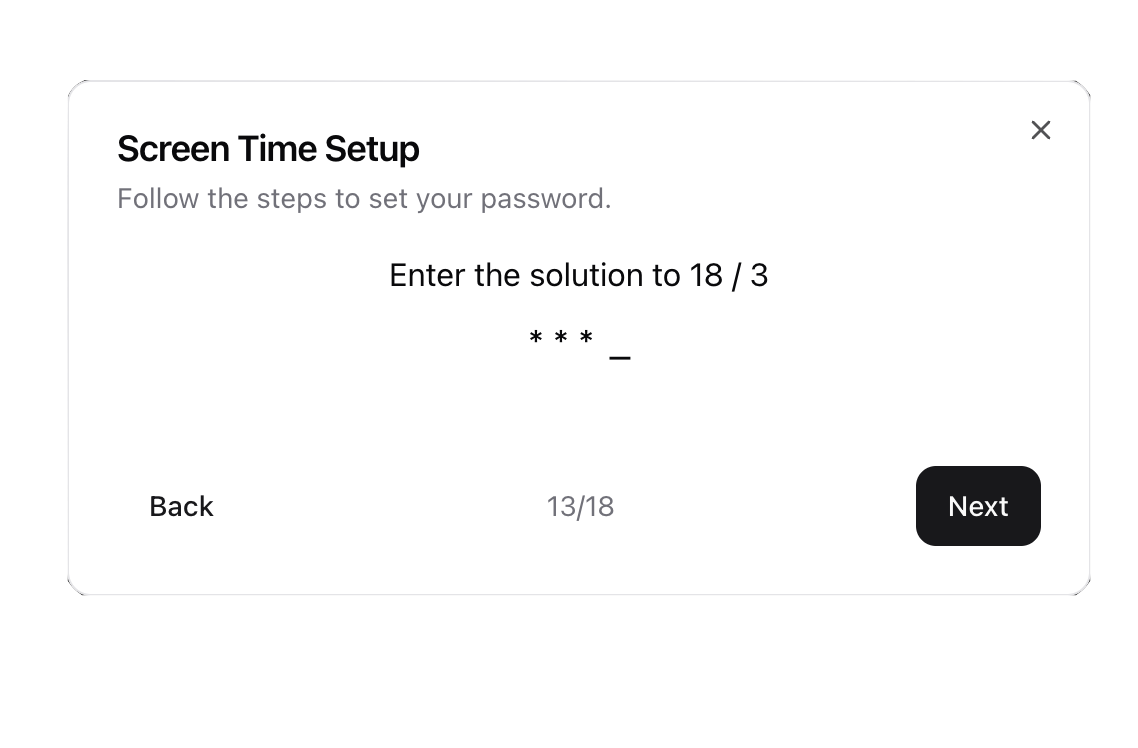
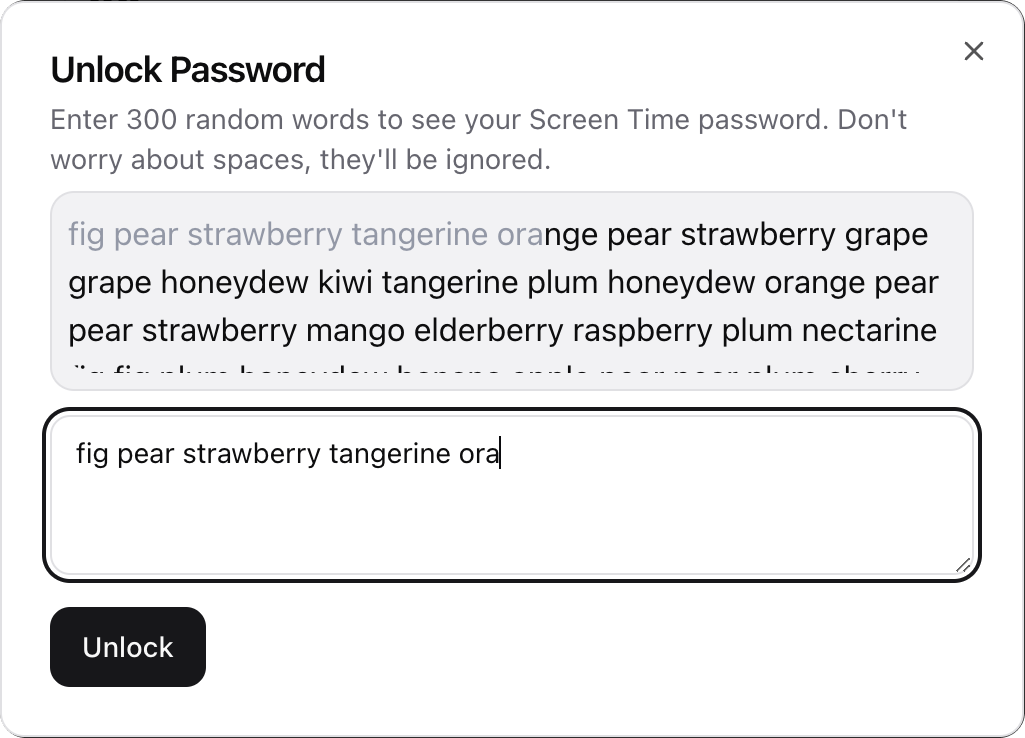
Then it saves the passcode without showing you. If you ever need it back, you have to type hundreds of random words first. Doable, but tedious enough to stop an impulse.
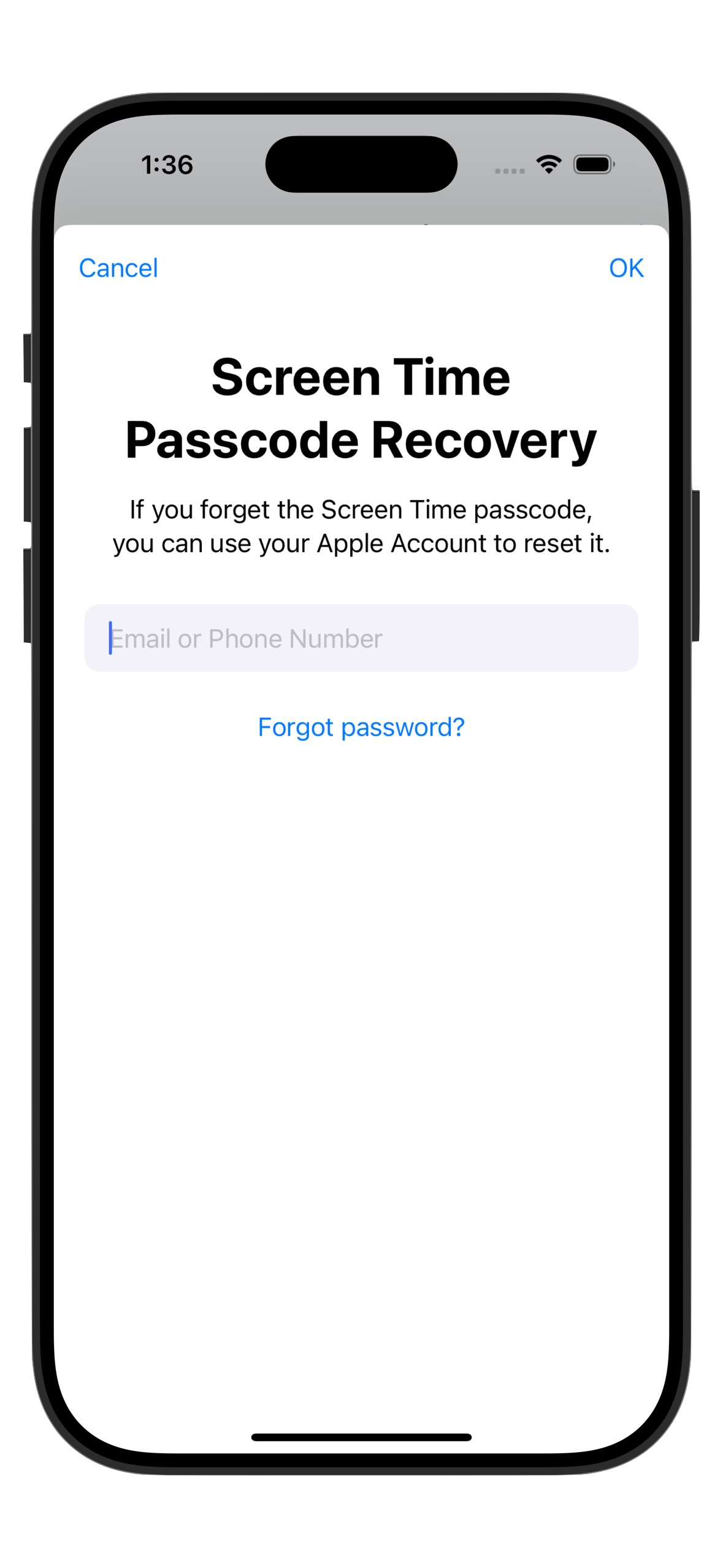
It also disables the "Forgot Password" option by creating a dummy Apple ID as the recovery email, so you can't just reset your way around it.
No "Ignore Limit" button, no flipping a switch in Settings, and no workarounds. Set up your limits, and you can't get around them.
Today could be the last time you doomscroll, ever. 👇