How to Lock Yourself Out of Screen Time
If you've tried using Screen Time to limit your phone usage, you've probably noticed it doesn't really stop you.
Every time a limit hits, iOS gives you a button to ignore it for 15 minutes or the rest of the day. Even if you set a passcode and turn on "Block at End of Limit," you still know the passcode. Four digits are basically impossible to forget.
And if you somehow do forget it, you can just reset it with your Apple ID.
Having someone else set it
The usual advice is to have a friend or family member set your Screen Time passcode for you. That can work, but you might not have someone available, they might not be around when you need to change a setting, and you can always just talk them into giving it back.
What actually works
Shutout works with Screen Time, not instead of it. It fixes the three problems above.
First, it sets your Screen Time passcode for you, but makes you enter it in a confusing way so you won't remember it.
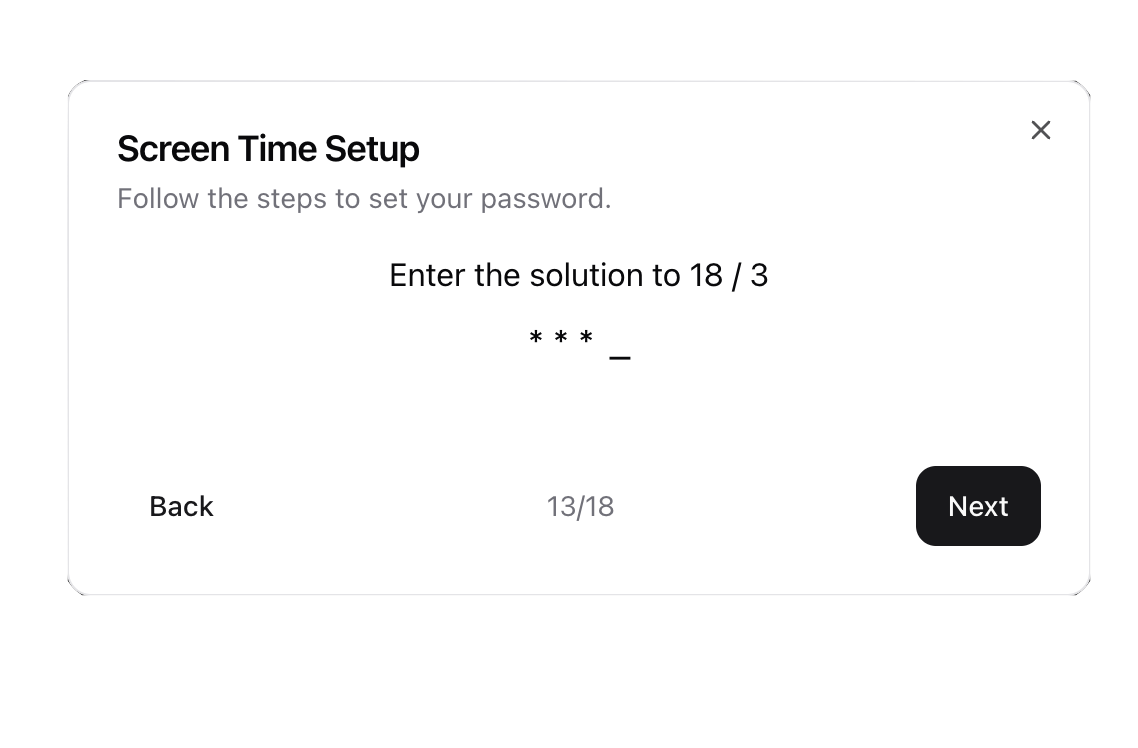
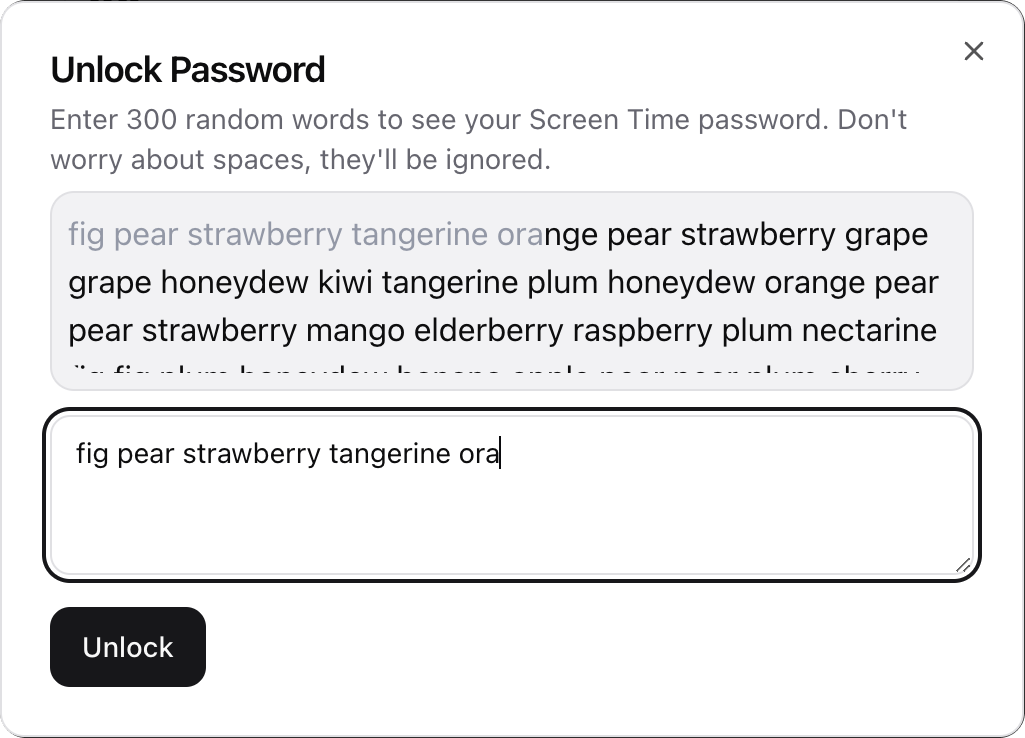
Then it saves the passcode without showing you. If you ever need it back, you have to type hundreds of random words first. Doable, but tedious enough to stop an impulse.
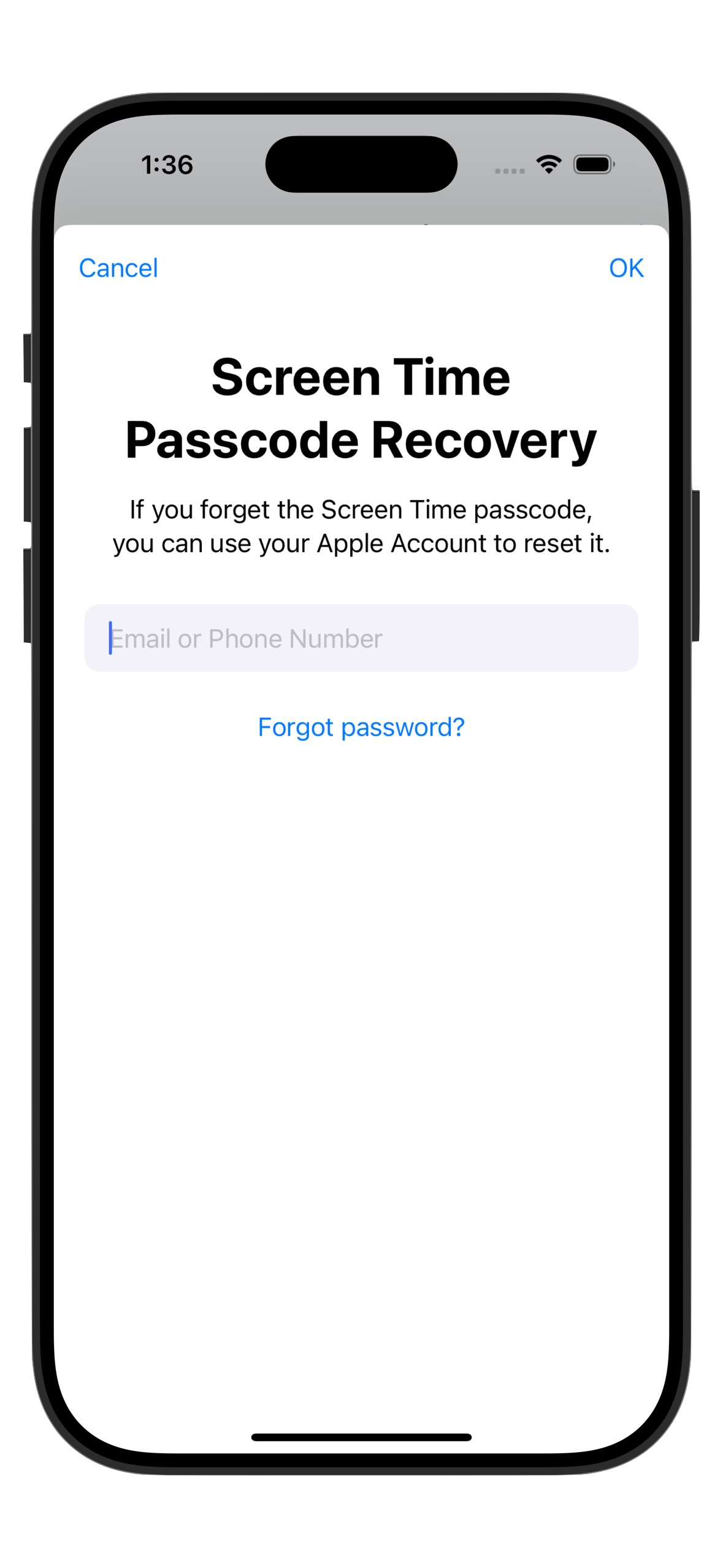
It also disables the "Forgot Password" option by setting a dummy recovery email, so you can't just reset your way around it.
No ignore button, no passcode you can type from memory, and no reset workarounds. Set up your limits, and you're stuck with them.
Today could be the last time you doomscroll, ever. 👇