How to Block Screen Time Workarounds
If you've set up Screen Time on your iPhone, you've probably noticed it doesn't actually block much.
Every time you hit a limit, there's a button to ignore it for 15 minutes or the rest of the day. You can get rid of that by setting a passcode, but you set the passcode yourself. Four digits aren't hard to remember.
What people usually suggest is to have someone else set the passcode. That works until you need to change something and they're not around, or until you talk them into telling you.
And even if you do actually forget it, you can just reset it with your Apple ID.
What actually works
Shutout works with Screen Time and blocks those workarounds.
It has you set a Screen Time passcode, but makes you enter it out of order so you won't remember it afterward.
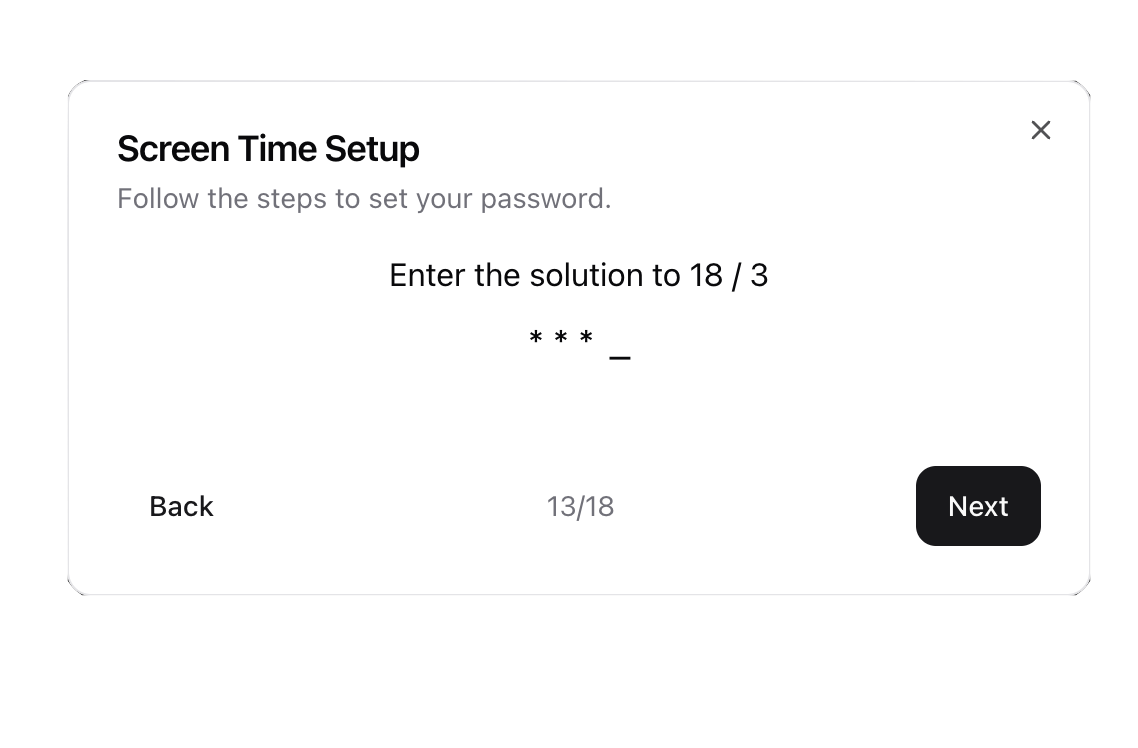
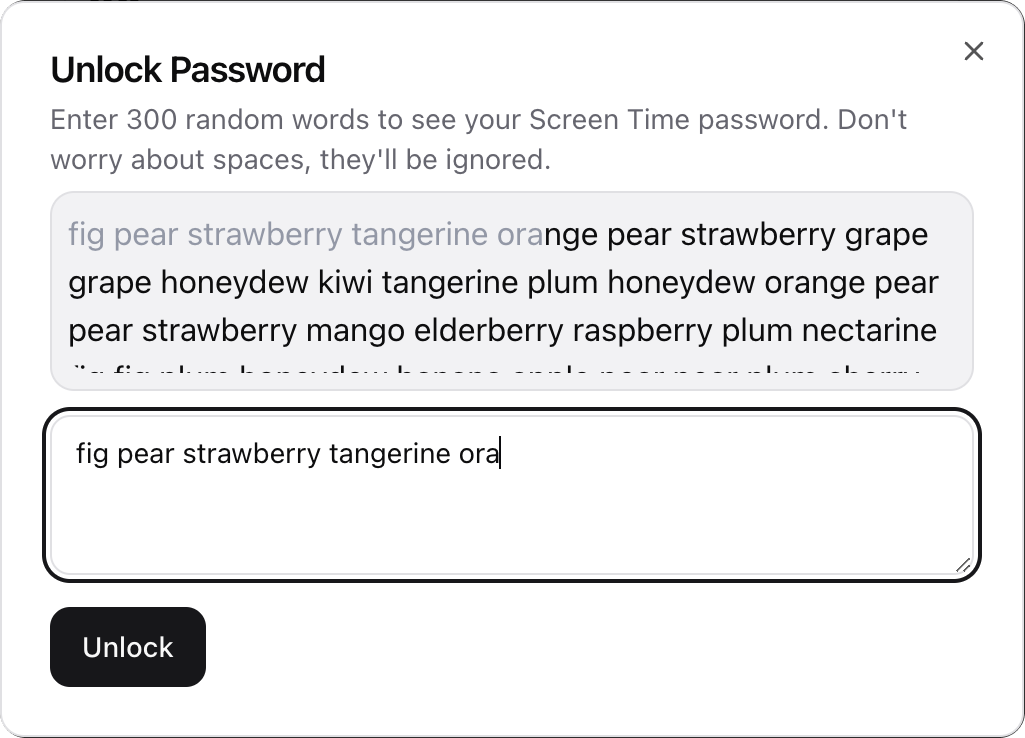
Your passcode is saved, but never shown to you. If you need it back, you have to type hundreds of random words first. Doable if you need to change your limits, but not something you'd bother with just to check Instagram.
It also sets a dummy Apple ID as your recovery account, so you can't reset it through "Forgot Password."
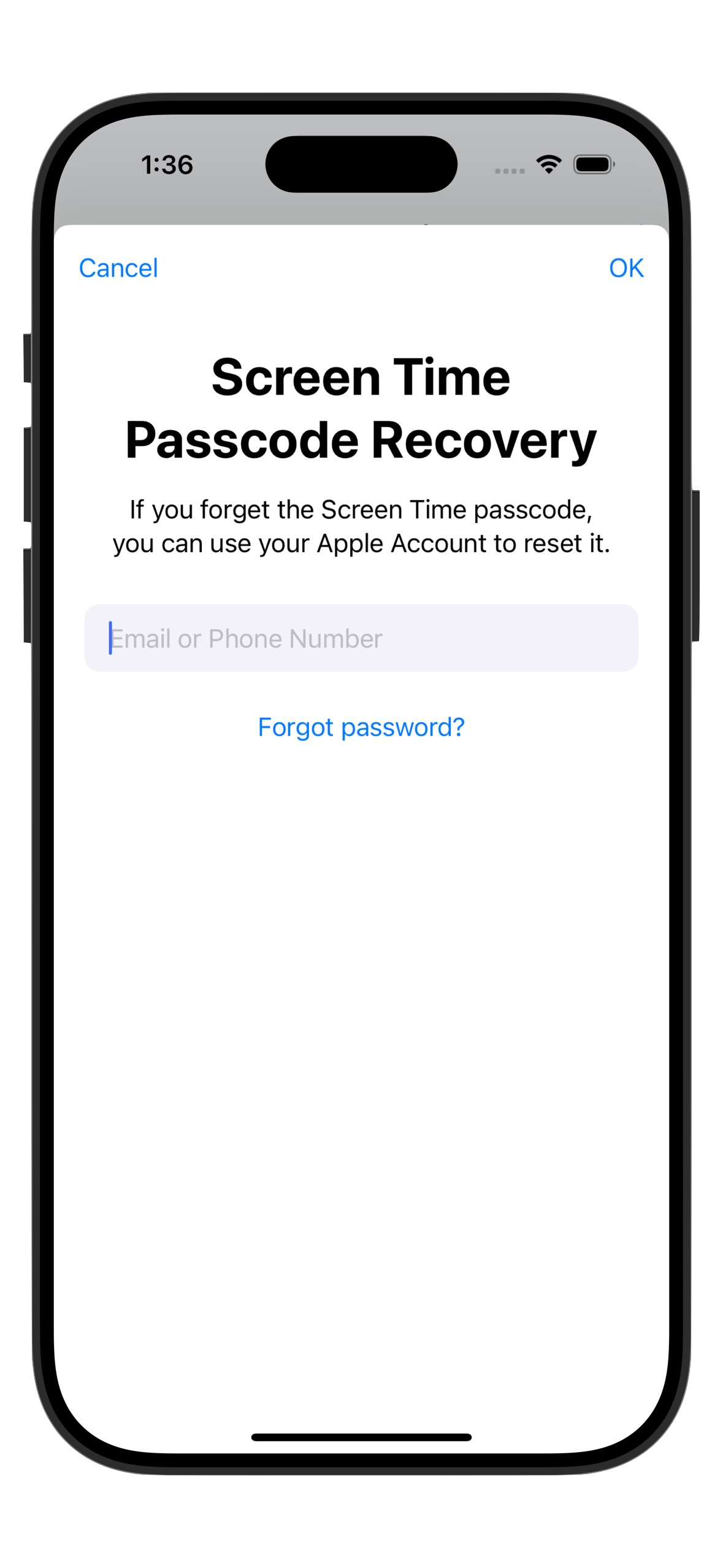
There's no "Ignore Limit" button, no passcode you can type from memory, and no reset workarounds.
Today could be the last time you doomscroll, ever. 👇